
Contacts and customers
Adding, the customer page, events and calls
Contacts
Contacts are your customers: couples, parents, contact people at companies.
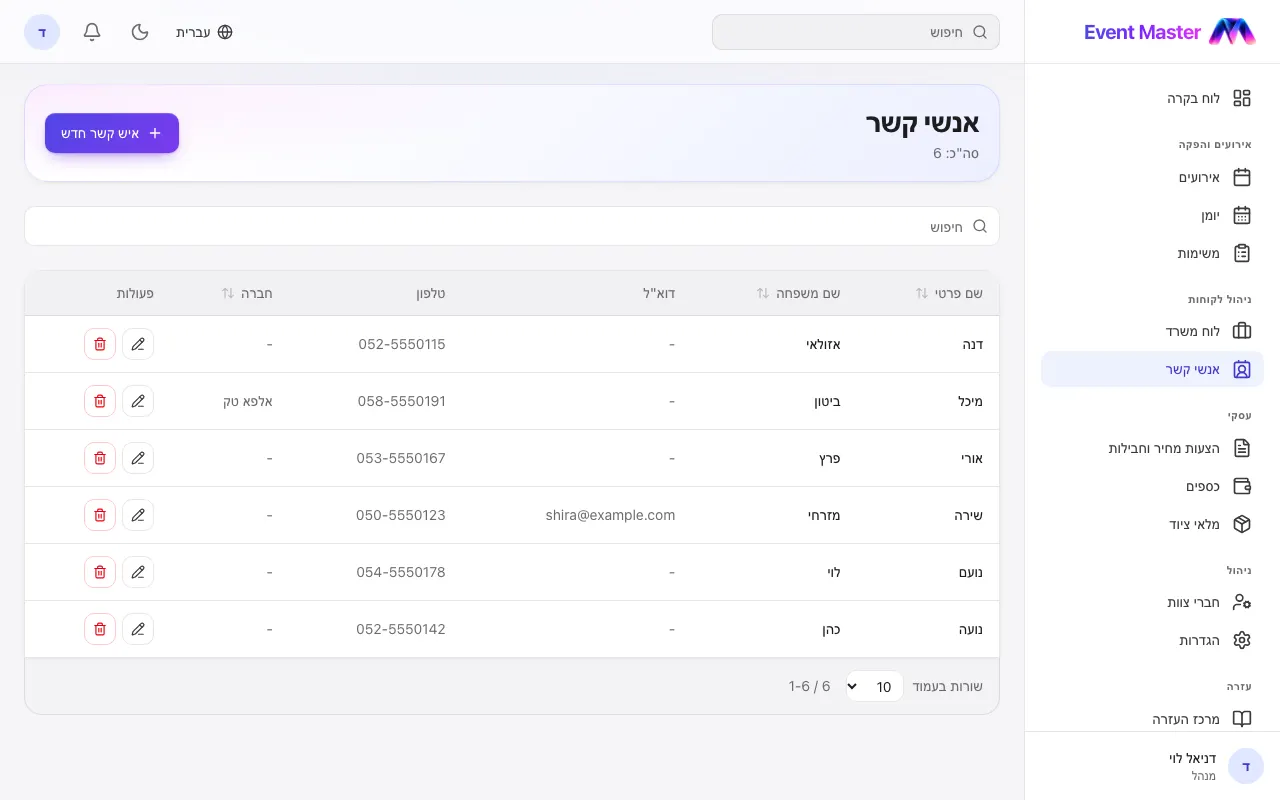
Adding a contact
New Contact - name, phone, e-mail, company, address and notes. You can also add a contact while you create an event.
The customer's page
- The details, ready to edit, and Call and WhatsApp buttons.
- Events - every event they are linked to, and their role in each one.
- Calls - every call logged with them (how it went, what was said, who logged it), and a Log a call button.
An event's contacts
In the event's details you add as many contacts as you need, with a role for each one ("bride's mother"). The first in the list is the one who gets the questionnaire link on WhatsApp, and all of them show in Event mode with call and WhatsApp.
Didn't find an answer?
Open a request - with a screenshot - and our team will get back to you.