
Proposals & packages
A new quote, packages, sending
Proposals & packages
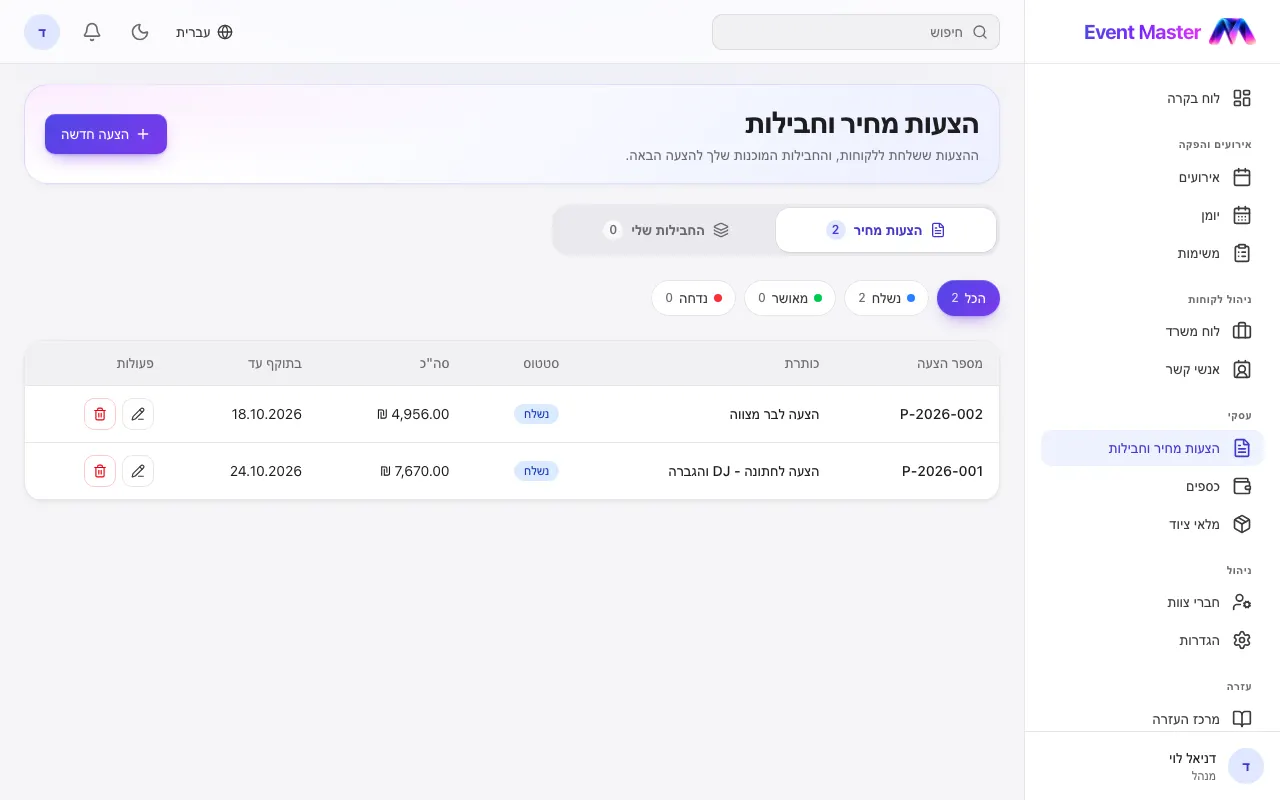
The Proposals & packages screen has two parts, in the switch under the title: Quotes and My packages.
A new quote
- New Proposal - pick a customer and an event (optional), a title and how long it is valid.
- Add lines (service, quantity, price) - or start from a ready-made package.
- VAT, discount, notes, terms and a message to the customer. Pick a color for the quote.
- Send - the quote is marked "Sent", and from there "Approved" or "Rejected".
Packages
My packages are ready-made templates (for example "Wedding - DJ + sound system"). Changing a package does not change quotes that were already sent.
Following up
The filter at the top: All / Sent / Approved / Rejected. The quotes waiting for an answer also show on the Office desk, with how many days they have been waiting and a reminder to get back to the customer.
Didn't find an answer?
Open a request - with a screenshot - and our team will get back to you.